
Home › Home, Family & Care › Therapist Claims & Denial Recovery Dashboard
Therapist Claims & Denial Recovery Dashboard
Every denied claim has a clock on it. When the clock runs out, that money is gone for good.
$24.91 launch price (11% off $27.99) — already applied, through September 24, 2026. Secure checkout by Payhip; your download link appears straight after payment and by email.
Want the School SLP Caseload & Service-Minute Tracker too? The Care Professionals Pack has both for $39.99 — $12.91 less than buying them one by one.
- FormatGoogle Sheets · Microsoft Excel
- DeliveryInstant digital download
- What it isOne .xlsx file · 7 tabs · 6,033 formulas
- CategoryHome, Family & Care
Every denied claim has a clock on it. When the clock runs out, that money is gone for good.
Industry research on behavioral health billing puts the first-pass denial rate somewhere around 15–25%, and finds that a majority of denied claims are never resubmitted at all. Not because therapists do not care — because the denial arrives in a portal, gets a mental note, and then a caseload happens. By the time anyone looks again, the appeal window has quietly closed.
This workbook exists to make that impossible.
IT DOES NOT ASK FOR A SINGLE CLIENT NAME
- No name field. No date of birth field. No diagnosis field. Anywhere.
- You identify clients with your own code — C-001, C-002 — and keep the code-to-name key wherever you already keep your protected records.
- The workbook tracks money and dates, not people. That is a deliberate design choice, and it is the reason this one is different from every other claims tracker on this page.
THE PART NOTHING ELSE DOES: THE APPEAL COUNTDOWN
- You enter each payer's appeal window once, on the SETTINGS tab. Fourteen common payers come pre-filled as a starting point.
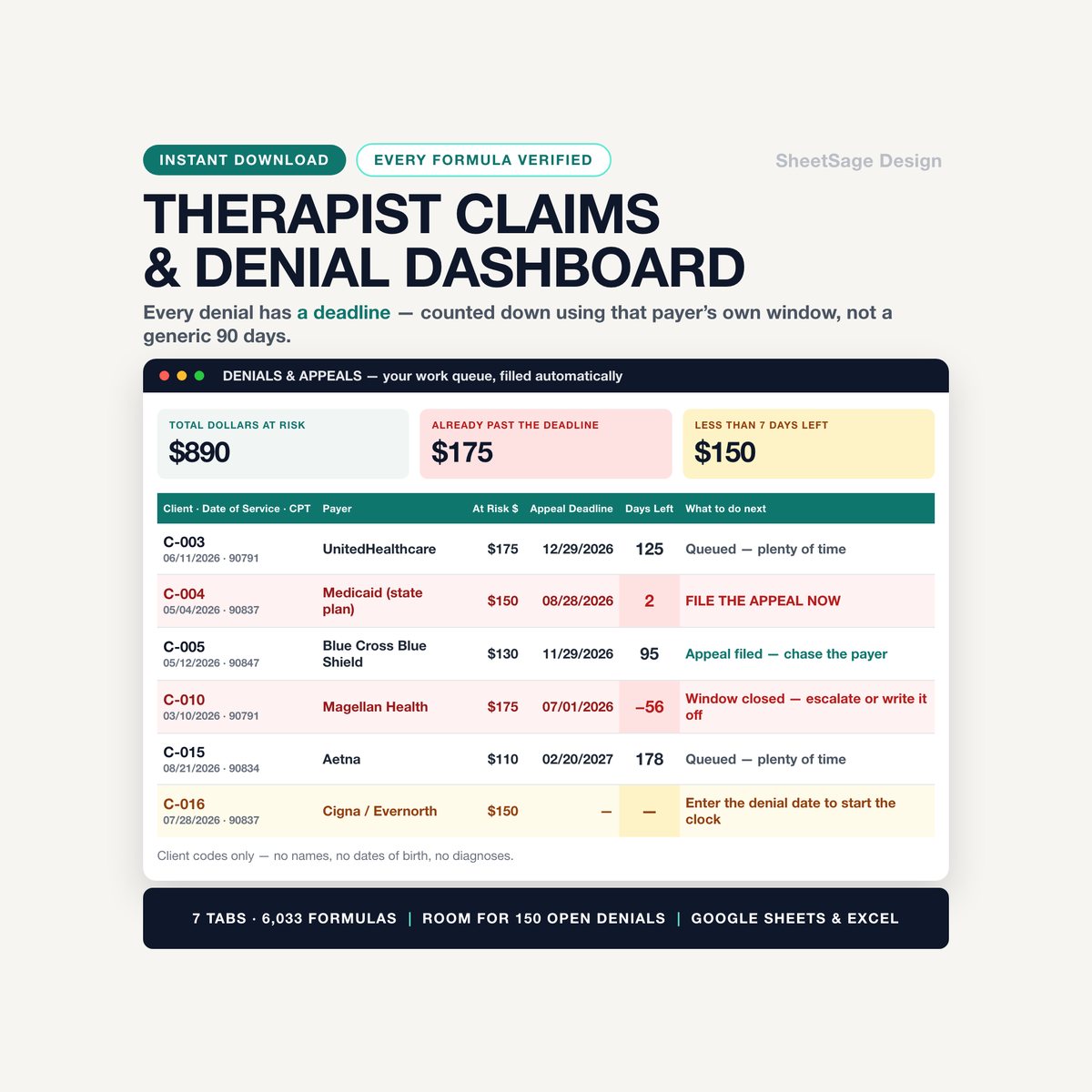
- From then on, the moment you type a denial date, that claim gets a live countdown — using that specific payer's window, not a generic 90 days.
- Days left turns amber, then red. Past the deadline, the row shouts. The DENIALS & APPEALS tab becomes a ranked work queue that tells you, claim by claim, what to do next: FILE THE APPEAL NOW · Prepare the appeal packet · Chase the payer · Window closed.
- It also watches the other clock — timely filing. Log a date of service and never submit it, and the workbook tells you how many days you have left before that claim can never be billed at all.
WHAT'S INSIDE (one file, 7 tabs)
- CLAIMS LOG — 300 ready rows. Client code, date of service, CPT, payer, dollars, status. Ten columns then calculate themselves: expected amount, filing deadline, appeal deadline, days left, outstanding balance, days in A/R, aging bucket, underpayment, and a plain-English alert on every single row.
- DENIALS & APPEALS — your work queue, filled automatically. Only the claims sitting at Denied or Appealed, with dollars at risk beside each one, plus the numbers that matter: total at risk, dollars already past deadline, dollars with under seven days left, appeals filed, appeals won, and your appeal recovery rate.
- A/R AGING — your receivables split 0-30 / 31-60 / 61-90 / 90+, in dollars, as a share of A/R, and broken out by payer so you can see exactly which insurer is sitting on your money. Plus Days in A/R against your target (the commonly cited benchmark is under 35 to 40 days).
- NO-SHOW TRACKER — the second leak. Log a no-show or a late cancel, and it values the lost session at your own rate, shows what share of the fees you charged you actually collected, and projects the annual cost of the pattern.
- DASHBOARD — month by month: submitted, expected, collected, denied, recovered, outstanding, with a chart. Denial rate by payer, so you know who to negotiate with. Denial reasons ranked, so you know which habit to fix. And one teal number at the top: recoverable money identified — open appeals still inside their window, plus payments that came in short, plus no-show fees you charged and never chased.
- SETTINGS — payers, appeal windows, filing limits, CPT codes, contracted rates, targets. Change one cell and the whole workbook updates.
- START — a five-minute setup guide, a color legend, and a plain explanation of the PHI-free design.
IT CATCHES UNDERPAYMENTS TOO
You put your contracted rate next to each CPT code. From then on, every claim knows what it should have been worth — so when a payer sends $88 against a $110 contract, the workbook flags it instead of quietly booking it as paid.
WORKS WITH
Google Sheets (free) and Microsoft Excel. Every formula was chosen so it behaves identically in both — no functions that break on the way across. Instant digital download, one .xlsx file, import instructions inside. No subscription, no login, no add-on to install. Yours forever.
WHY THERAPISTS KEEP IT OPEN
- Nothing has to be remembered. The deadline is on the row.
- Five minutes on a Friday tells you exactly which three calls are worth making on Monday.
- When you renegotiate a contract, you walk in with that payer's denial rate and their aging profile in your hand.
PLEASE NOTE
- Digital download — no physical item will be shipped.
- For use in your own practice; please do not resell or share the file.
- This is a tracking and organization tool. It is not legal, tax, billing or compliance advice, and it does not submit, scrub or adjudicate claims. It is designed to be used without entering protected health information, but how and where you store and share the file is your decision and your responsibility.
- Appeal windows and timely-filing limits vary by payer, by plan and by state, and they change. The fourteen payer defaults we pre-filled are common published figures, supplied as an editable starting point only — verify every one against your own payer contract and provider manual before you rely on it.
- No reimbursement rate, recovery percentage or financial outcome is promised. The denial-rate and resubmission figures above are published industry benchmarks describing the field, not a prediction about your practice.
- Designed by us and built with the assistance of AI tools, then manually reviewed and verified — every formula was hand-checked against an independent calculation before release.
Questions before you buy? Message us — we answer fast, and we are happy to help you set it up.
More in Home, Family & Care
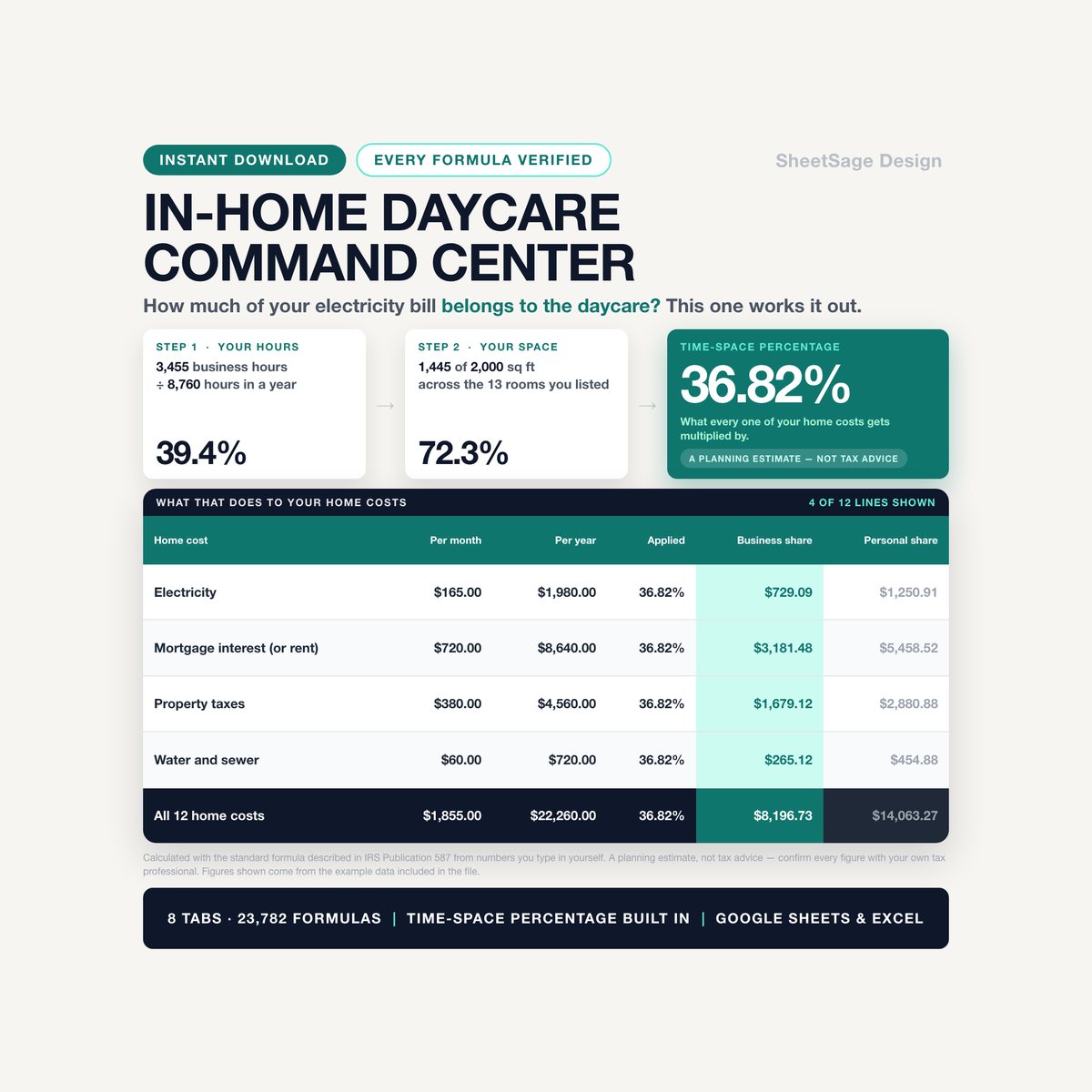
In-Home Daycare Business Command Center
Every other daycare spreadsheet in these results is a logbook. This one is a calculator.…
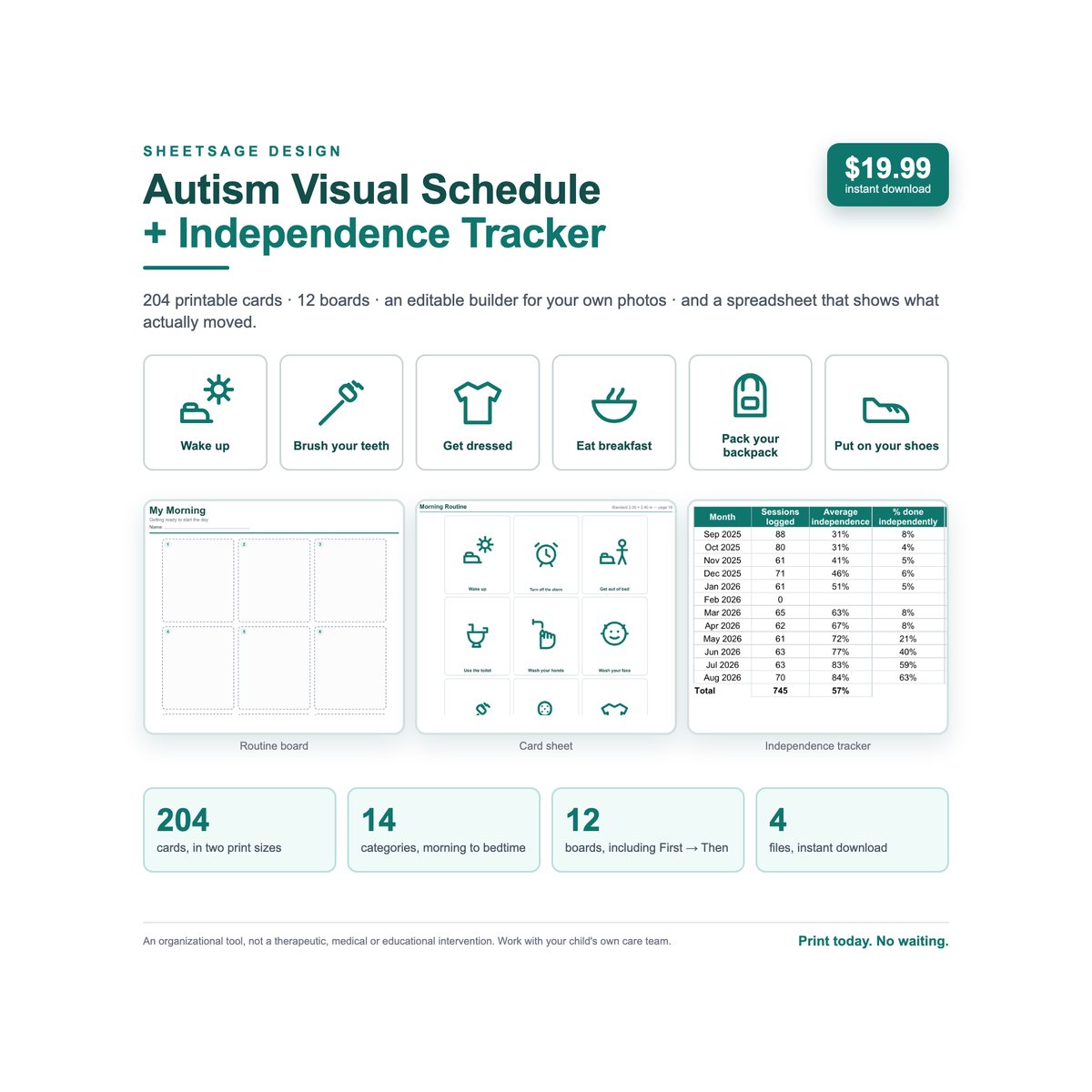
Autism Visual Schedule Builder + Independence Tracker
Everyone else in these search results sells you the pictures. This kit also tells you what to say — and then shows you…
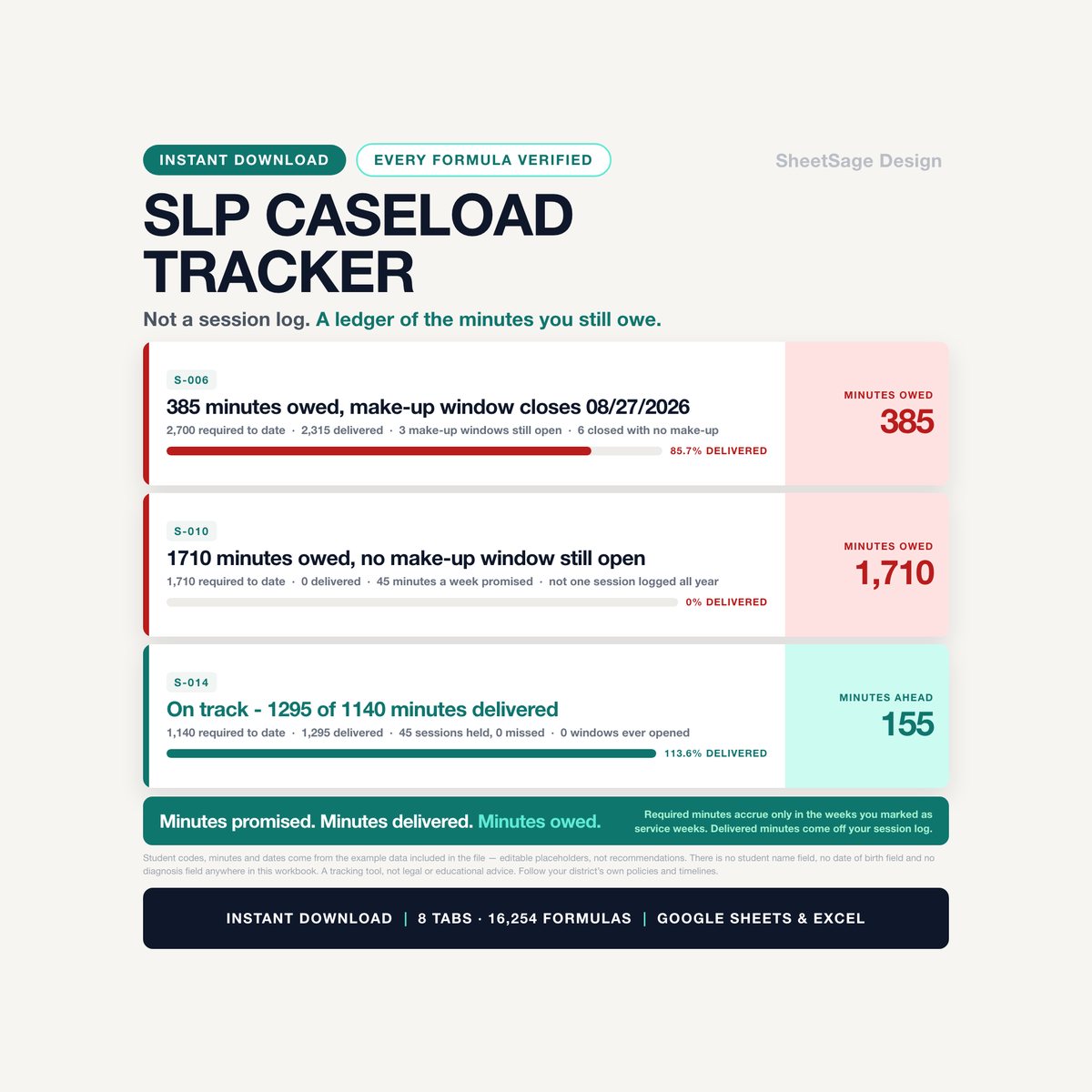
School SLP Caseload & Service-Minute Tracker
Your caseload is not a headcount. It is a pile of minutes you promised — and nobody is counting them but you.…