
Home › Home, Family & Care › In-Home Daycare Business Command Center
In-Home Daycare Business Command Center
Every other daycare spreadsheet in these results is a logbook. This one is a calculator.
$19.99 launch price (20% off $24.99) — already applied, through September 24, 2026. Secure checkout by Payhip; your download link appears straight after payment and by email.
- FormatGoogle Sheets · Microsoft Excel
- DeliveryInstant digital download
- What it isOne .xlsx file · 8 tabs · 23,782 formulas
- CategoryHome, Family & Care
Every other daycare spreadsheet in these results is a logbook. This one is a calculator.
You are running two jobs. One of them is the children. The other one is a business — enrollments, hourly and weekly and monthly rates, sibling discounts, attendance, late pickups, invoices, who has not paid, groceries, toys, and the share of your electricity bill that belongs to the daycare. This workbook is the second job, done for you, in formulas, on every row.
IT WORKS OUT YOUR TIME-SPACE PERCENTAGE
This is the one nobody else on this page does, and it is the reason to buy this file rather than a printable form.
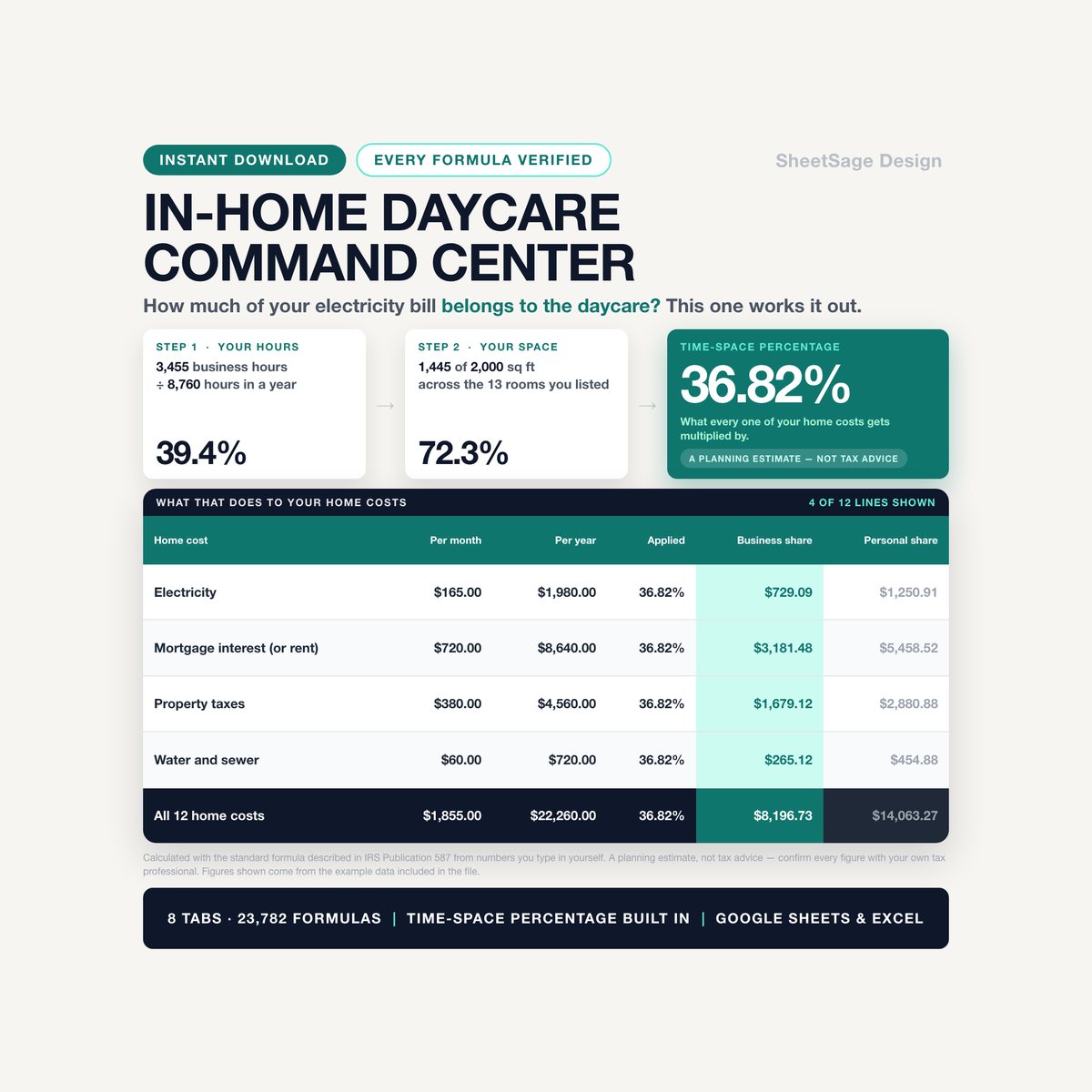
- It uses the standard formula described in IRS Publication 587: the hours you use your home for the business, divided by the 8,760 hours in a year, multiplied by the share of your home's floor space the daycare uses.
- It counts the hours the children are NOT here. Cleaning up after them, cooking their meals, preparing activities, invoicing, parent calls, training. In the example file that is 830 hours a year on top of the 2,625 hours the children are actually present — close to a quarter of the total, and the part providers most often leave out.
- It knows the difference between a room used only for the daycare and a room you share with your family. Daycare-only rooms are in business use all year; shared rooms get scaled by the time percentage. The workbook does both and shows you both numbers.
- From the example data in this file: 3,455 business hours ÷ 8,760 = 39.4% time · 1,445 of 2,000 sq ft = 72.3% space · 28.5% the classic way · 36.82% with the daycare-only rooms counted in full.
- Then it applies it. Twelve lines of home costs — electricity, gas, water, trash, property tax, mortgage interest or rent, insurance, internet, repairs, lawn, security, pest control — and it splits every one of them: $22,260.00 a year, of which $8,196.73 is the business share and $14,063.27 is personal.
It is a planning estimate, not tax advice. It does not file anything, it does not know your state or your license, and it is not connected to the IRS in any way. Take it to your tax professional — that is exactly what it is built for.
AND IT COUNTS YOUR HOURS THE RIGHT WAY
Here is the mistake that makes most home-made hour logs wrong. If four children are here from noon to five, that is five hours of your home being used for business — not twenty.
- The workbook reads your attendance log and counts each day as one stretch: first child in to last child out.
- In the example file that is the difference between 2,238.87 child-hours and 377.32 hours of actual business use. Nearly six times over.
- You get both methods side by side — from your weekly schedule, or from your log — and you pick which one the percentage uses. One drop-down.
IT BILLS THE DAY FOR YOU
- Four rate types, on the same page, in the same column: Hourly, Daily, Weekly, Monthly. You type the rate once, on the child's row.
- A monthly rate becomes a weekly one becomes a daily one, so a $1,050-a-month child and a $7.50-an-hour child can finally be compared. In the example file: $1,009.63 and $1,000.00 a month, side by side.
- Sibling discounts are a Yes/No. Two children, the same $235 weekly rate, one of them a second child: $979.17 and $881.25 a month. You never do that arithmetic again.
- Absences are your call, per family. Yes bills the day anyway; No bills nothing. An hourly child is never billed for an absence, because there are no hours to bill — and the workbook says so on the row.
LATE PICKUPS BECOME A NUMBER, NOT AN ARGUMENT
- You set the pickup time you agreed with each family. You set your grace minutes, your per-minute fee, and your minimum.
- Then the workbook does the counting, and writes the sentence:
LATE PICKUP - 35 minutes past 5:00 PM - fee $30.00
- Under the grace period? No fee, and it still tells you. Over it but below your minimum? The minimum applies. In the example file: 7 minutes late is $5.00 and 12 minutes late is $7.00, because that is what your own rules say.
- $223.00 of late fees across the example log — money most providers never get around to billing.
IT TELLS YOU WHO OWES YOU WHAT, AND FOR HOW LONG
- Every invoice carries its own balance, its own days past due, and its own aging bucket: not due yet · 1 to 7 days · 8 to 14 · 15 to 30 · 31 and over.
- And a sentence, on the row: Mia Rodriguez owes $65.00 - 55 days past due.
- On the dashboard the whole thing adds up: $920.00 outstanding across 5 invoices and 3 children — $475.00 not due yet, $235.00 at 1 to 7 days, $210.00 at 31 and over, the oldest of them 55 days old.
- Overpaid? It says so and carries it forward. Partly paid? It knows the difference between the invoice and the payment.
AND IT TELLS YOU WHAT YOUR EMPTY SPOTS ARE WORTH
- Occupancy: 8 children in care against a licensed capacity of 10 — 80%, 2 spots open.
- What those spots are worth: $1,763.76 a month, at what your average child actually pays you.
- What is sitting on the waitlist: $1,766.67 a month, already named.
- Break-even: your fixed costs divided by what the average child pays. In the example file, 2 children cover the $1,450 a month, and you are 6 above it.
- Who is leaving: LEAVING in 18 days - $688 a month opens up, in amber, on the row, while there is still time to fill it.
TWELVE MONTHS, ON ONE SCREEN
Days of care, care hours, care billed, late fees, food cost, invoiced, collected, everything you spent, the business share of it, and what was left — twelve rows and a chart. From the example data: 256 days of care · 2,238.87 hours · $13,104.50 of care billed · $14,184.68 invoiced · $13,264.68 collected · $920.00 still out.
WHAT'S INSIDE (one file, 8 tabs)
- START — the setup guide, the color legend, and the seven things worth knowing before you type.
- SETTINGS — capacity, sibling discount, registration fee, invoice terms, late-pickup rules, food cost per child per day, your week, your square footage, and every drop-down list in the workbook.
- CHILDREN — 16 rows. Thirteen columns you type, twenty that fill themselves in: expected revenue per month and per year, everything attended, everything billed, everything paid, the balance, the aging, and a plain-English line telling you where that child stands.
- ATTENDANCE — 700 rows. Date, child, time in, time out. The hours, the rate type, the charge for the day, the minutes past pickup and the late fee are all calculated.
- PAYMENTS — 400 invoice rows. Charged, paid, balance, due date, days past due, aging bucket, and the sentence.
- TIME-SPACE — 16 rooms, ten kinds of daycare work, the percentage, and twelve lines of home costs split business and personal.
- EXPENSES — 300 rows. Fifteen categories, and three ways a purchase can be shared: 100% business, the Time-Space Percentage, or not at all. The business share is a formula.
- DASHBOARD — the whole business on one screen: this month, money owed and how old it is, your book of business, break-even, a child-by-child table and twelve months with a chart.
WORKS WITH
Google Sheets (free) and Microsoft Excel. Every formula was chosen so it behaves identically in both — no XLOOKUP, no FILTER, nothing that breaks on the way across. Instant digital download, one .xlsx file, import instructions inside. No subscription, no login, no add-on to install.
PLEASE NOTE
- Digital download — no physical item will be shipped.
- For use in your own business; please do not resell or share the file.
- This workbook is a planning and record-keeping tool. It is not tax advice and it is not a substitute for it. The Time-Space Percentage it produces is an estimate, calculated with the standard formula described in IRS Publication 587 from numbers you type in yourself. It does not know your circumstances, your state, your licensing status or your depreciation; it does not calculate what you owe or are owed; it does not file anything; and neither we nor this file have any connection to the IRS. What is deductible, and how, is a question for your own tax professional. Confirm every figure with them before you file.
- Nothing in this file is a licensing, ratio, health or safety standard. Capacity, ratios, record-retention rules and what you must keep on file are set by your own state or county licensing agency and they differ everywhere. Follow your licensor, not this spreadsheet.
- Every rate, fee, square footage, hour and dollar figure in the file is an editable placeholder we put there so the examples add up — not a recommendation, not a benchmark, and not a market rate. Replace them with your own.
- The dollar figures quoted above come from the example data included in the file. They illustrate how the math works. They are not a forecast and not a claim about your own business.
- Designed by us and built with the assistance of AI tools, then manually reviewed and verified — every formula was hand-checked against an independent calculation before release.
Microsoft Excel and Google Sheets are trademarks of their respective owners; this product is not affiliated with or endorsed by Microsoft or Google.
Questions before you buy? Message us — we answer fast, and we are happy to help you set it up.
More in Home, Family & Care
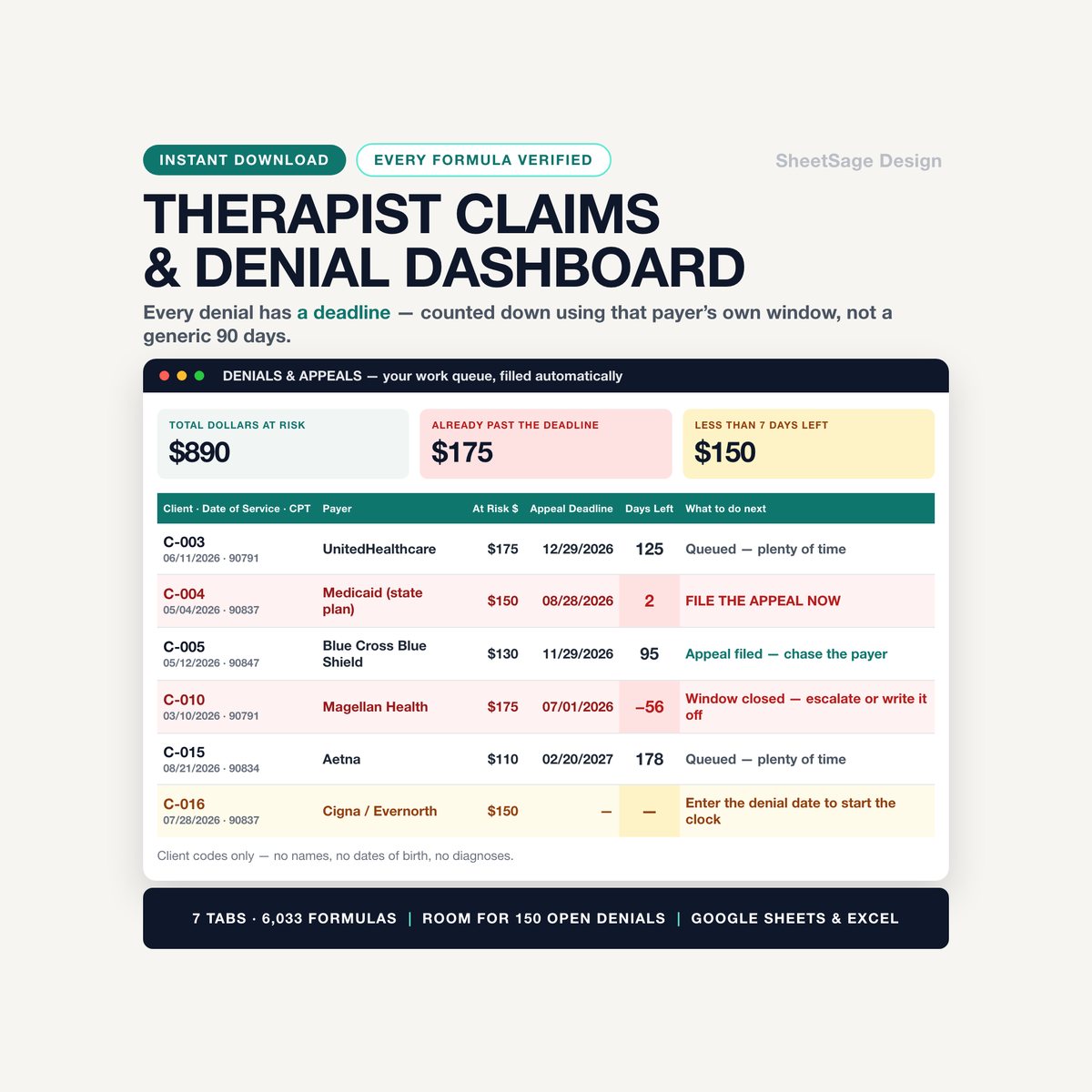
Therapist Claims & Denial Recovery Dashboard
Every denied claim has a clock on it. When the clock runs out, that money is gone for good.…
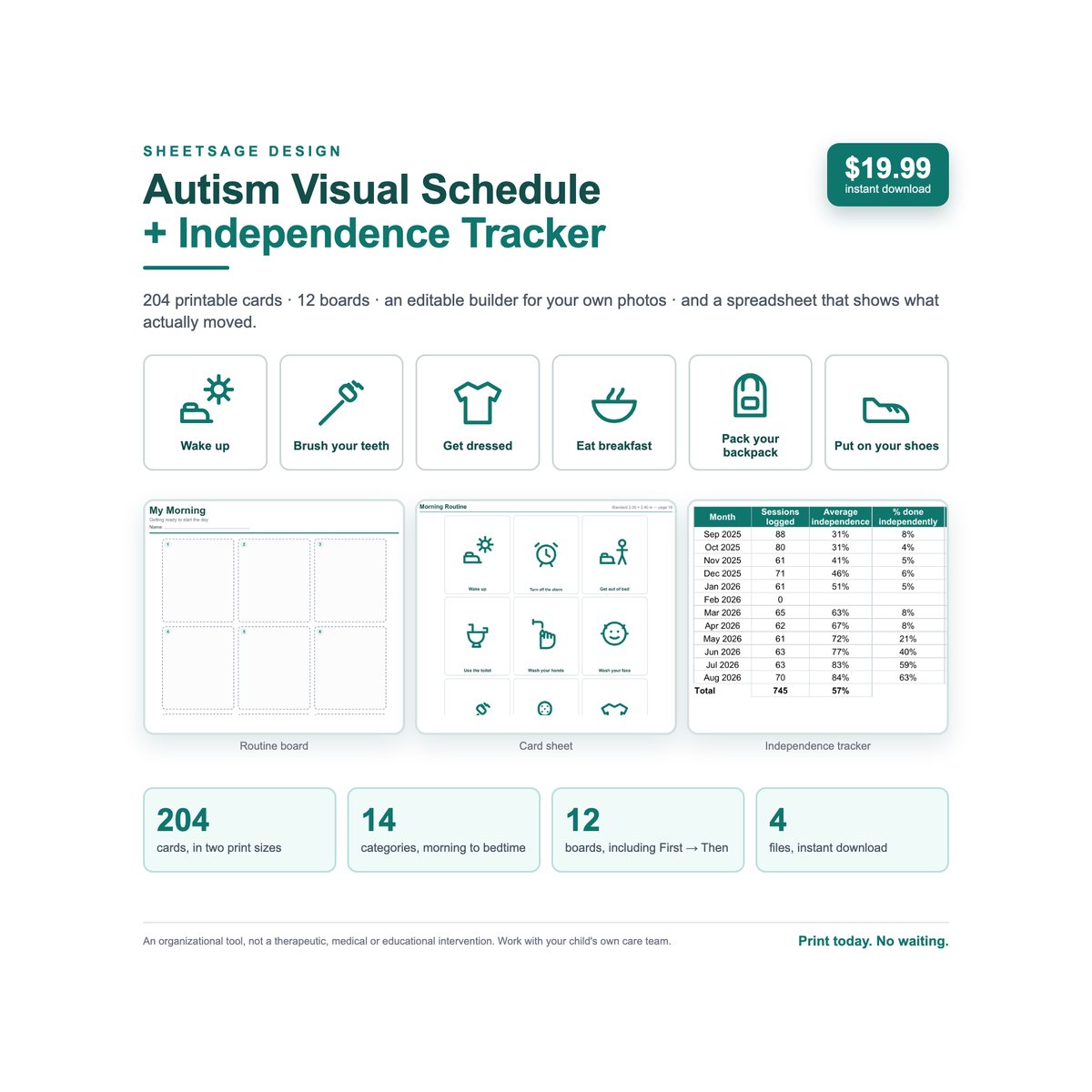
Autism Visual Schedule Builder + Independence Tracker
Everyone else in these search results sells you the pictures. This kit also tells you what to say — and then shows you…
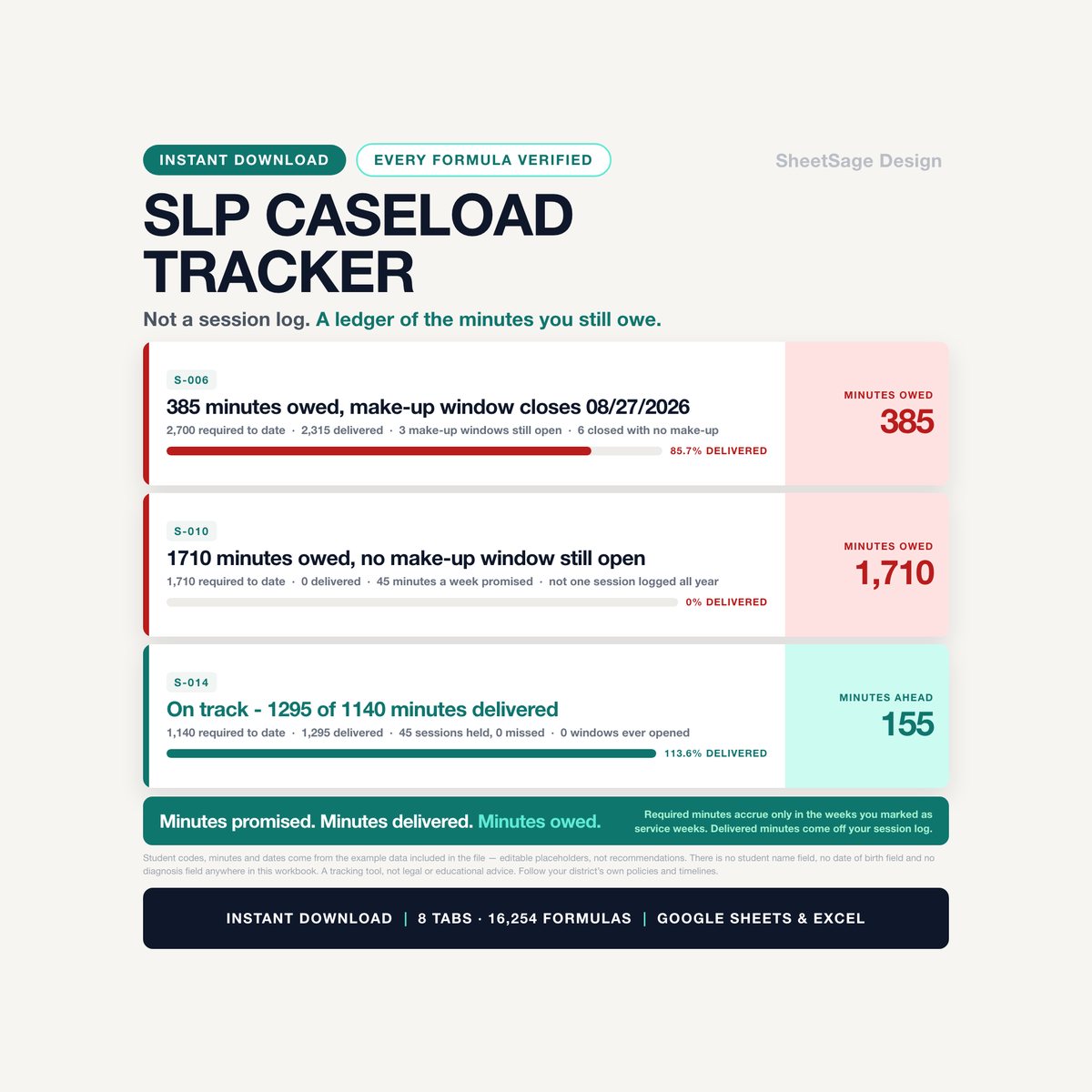
School SLP Caseload & Service-Minute Tracker
Your caseload is not a headcount. It is a pile of minutes you promised — and nobody is counting them but you.…