
Home › Business & Professionals › Owner-Operator Cost Per Mile & Load Decision
Owner-Operator Cost Per Mile & Load Decision
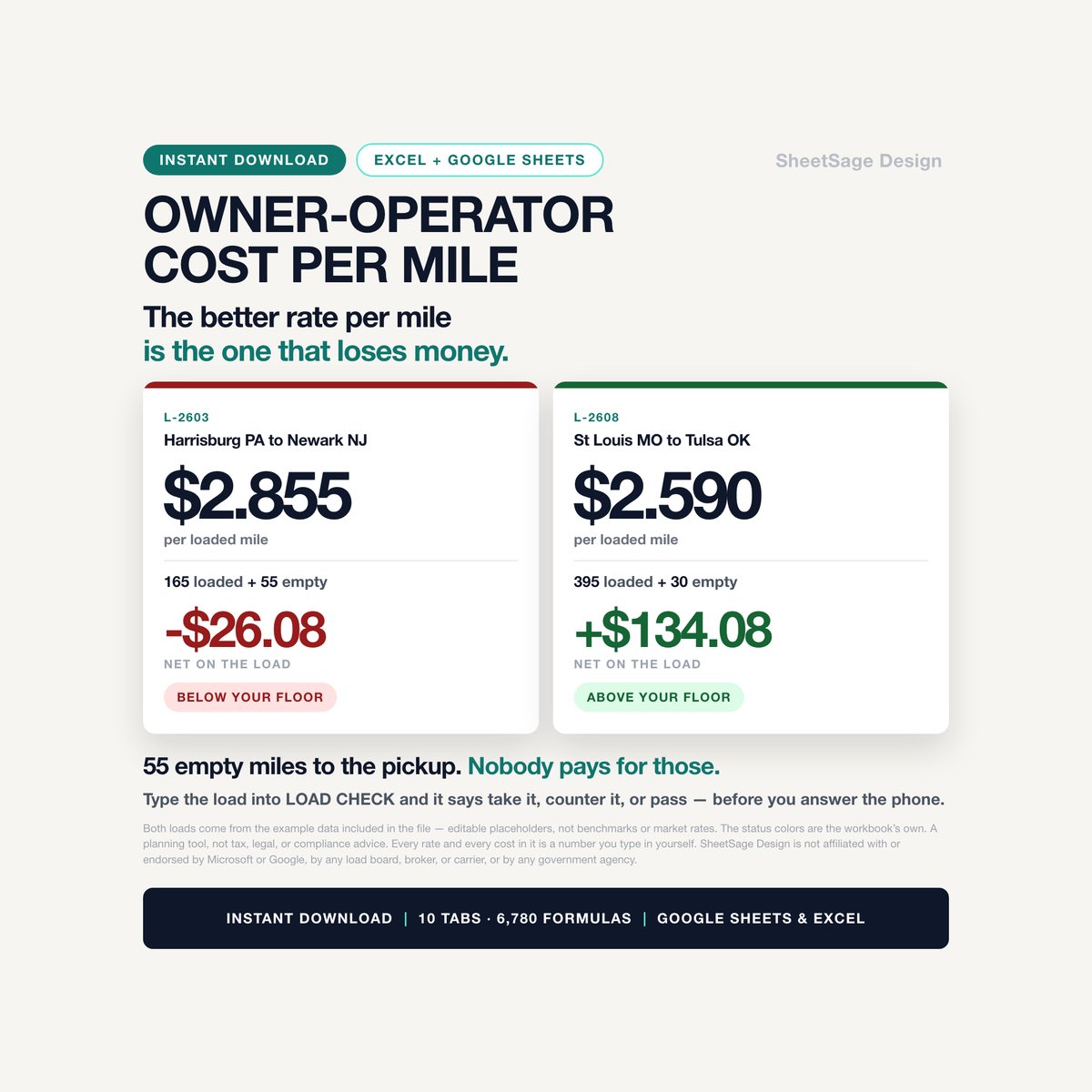
You can be paid $2.85 a loaded mile and still lose money on the load.
$22.39 launch price (20% off $27.99) — already applied. Secure checkout by Payhip; your download link appears straight after payment and by email.
- FormatGoogle Sheets · Microsoft Excel
- DeliveryInstant digital download
- What it isOne .xlsx file · 10 tabs · 6,780 formulas
- CategoryBusiness & Professionals
Here is one straight out of the example data in this file. Harrisburg to Newark. 165 loaded miles, $471 on the rate confirmation. That is $2.85 a loaded mile — better than the average of every load in the sheet. Take it and you are down $26.
Why? Because you drove 55 empty miles to get to the pickup. The load was 220 miles of diesel, tires and hours, and 165 of them got paid for.
That is the arithmetic this workbook exists to do, before you say yes on the phone.
THE THING ALMOST EVERY COST-PER-MILE SHEET GETS WRONG
Work out your cost per mile the normal way and you get a number — say $1.95. Then you quote $1.95 a loaded mile, because that is the number you have.
But your costs are spread over every mile the truck turns, and nobody pays you for the empty ones. If one mile in eight comes out empty, the paying miles have to carry the empty ones too. Your real floor is not $1.95. It is $2.22 before profit, and $2.55 at the 15% margin target the example settings use — a target you set yourself.
On a 500-mile load, quoting the first number instead of the last costs you $133.12. Every time. The DASHBOARD prints both numbers side by side and the dollar gap between them, so you can see exactly what the habit costs.
WHAT YOU GET — 10 TABS, 6,780 LIVE FORMULAS
- LOAD CHECK — the load on the phone right now. Type the loaded miles, the empty miles to the pickup, the rate, the tolls and the days. It gives you the net profit, the profit per day, and the lowest number you should say out loud. Then it walks the rate up and down in steps so you know what to counter with before you dial back.
- VARIABLE COSTS — the half almost nobody does. You list what a set of drive tires, an engine overhaul, a transmission rebuild, a clutch and a brake job cost, and how many miles each one lasts on your truck. It divides one by the other. A $28,000 engine overhaul over 800,000 miles is 3.5 cents a mile that you are spending today, whether or not the bill has arrived.
- FIXED COSTS — the note, the trailer, every insurance line, plates, permits, the load board, parking, the phone. Say how often each one comes; it turns them into a yearly figure and a per-mile figure.
- LOADS — every load you ran, and every one you turned down. Each row gets a verdict: Above your floor · Close - worth a counter · Below your floor. Log the ones you refuse too, so you can see later what you walked away from.
- FUEL LOG — every fill with the odometer, so the sheet works out what your truck really gets to the gallon instead of what the brochure said. Once you have a few fills, it uses your real number in every cost calculation automatically.
- IFTA — one quarter, jurisdiction by jurisdiction. Your miles in each state, the gallons you bought there pulled straight out of your fuel log, and the tax rate you type in from your own current table. It works out taxable gallons, tax on the miles, tax already paid at the pump, and what that leaves you owing or owed. It also counts the days until the return is due, and cross-checks your state miles against your load log so a typo does not go out the door.
- SETTLEMENTS — the statement against your own log, week by week. The column that earns its keep is the one comparing the two gross figures. In the example data, one week comes back $150 short, and the sheet flags it in red in the week it happened rather than at tax time.
- DASHBOARD — your cost per mile broken into fixed, variable and your own wage; your floor; the empty-mile gap in dollars; what your loads actually did; and how much you should have set aside by now for tires, the engine and the transmission against what you have really spent.
- Plus SETTINGS (your year, your diesel, your pay, the quarter) and START (setup, in plain English, about twenty minutes).
IT PAYS YOU A WAGE, NOT WHATEVER IS LEFT
Put what you want to earn a week into SETTINGS and it becomes part of your floor instead of a hope. In the example, $1,200 a week over 120,000 miles is 52 cents a mile, and it is baked into every verdict the sheet gives you.
HOW IT ARRIVES
- One .xlsx file, instant download. No subscription, nothing to log into.
- Works in Microsoft Excel and in Google Sheets — not one converted for the other. Every formula is one both understand, so nothing breaks when you upload it to Drive.
- Room for 300 loads, 200 fuel fills, 30 jurisdictions, 52 settlement weeks, 24 fixed-cost lines and 12 wear items.
- Yellow cell with blue writing means you type in it. White means the workbook works it out. Nothing is locked and nothing is hidden.
- It opens filled in with example data so you can see it working. Every log row is marked (example) — delete them and put your own in. The settings and the sample load check are examples too: replace them with your own numbers.
HOW THIS WAS MADE
I designed this workbook and specified every formula, label and rule in it. I used AI tools to help write the underlying build and test code and to draft this description. Every formula was then recalculated and checked against an independent model, and a second check rebuilt every figure from scratch from the input cells alone — 6,780 formulas, zero errors, and every number in this description read straight out of the finished file.
SheetSage Design is not affiliated with or endorsed by Microsoft or Google, by any load board, broker, or carrier, or by any government agency.
Single-user license. Please do not resell or redistribute the file.
WHAT IT IS NOT
This is a spreadsheet, not a service. It does not file anything, connect to anything, or know your base jurisdiction's rules. Every tax rate in it is an input cell you fill in from your own current table — the ones it ships with are example placeholders, clearly marked, and none of them came from us. Deadlines and penalties are set by your base jurisdiction. Per diem, depreciation and what you may deduct are tax questions — talk to your tax professional.
A planning tool, not tax, legal, or compliance advice. Every rate and every cost here is a number you type in yourself. Confirm your filings with your base jurisdiction and your own tax professional.
More in Business & Professionals
Freelancer Variable-Income Budget & Tax Dashboard
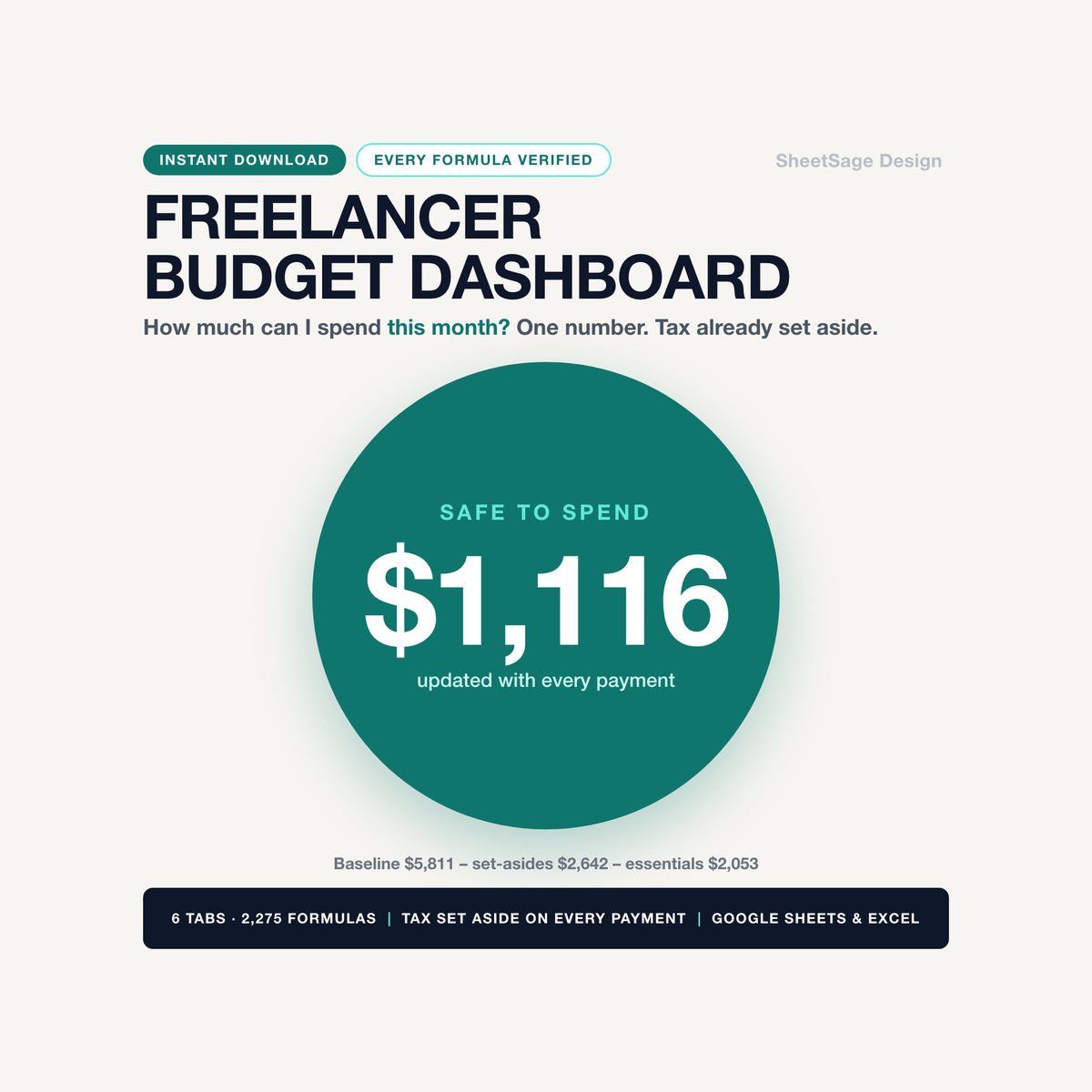
Some months you invoice $6,000. Some months, $900. This tells you what you can actually spend.…

Photographer Client Onboarding Kit
The inquiry that sat for three days because you didn't know how to answer "how much?" without sounding apologetic. The…
Cleaning Business Profit Dashboard
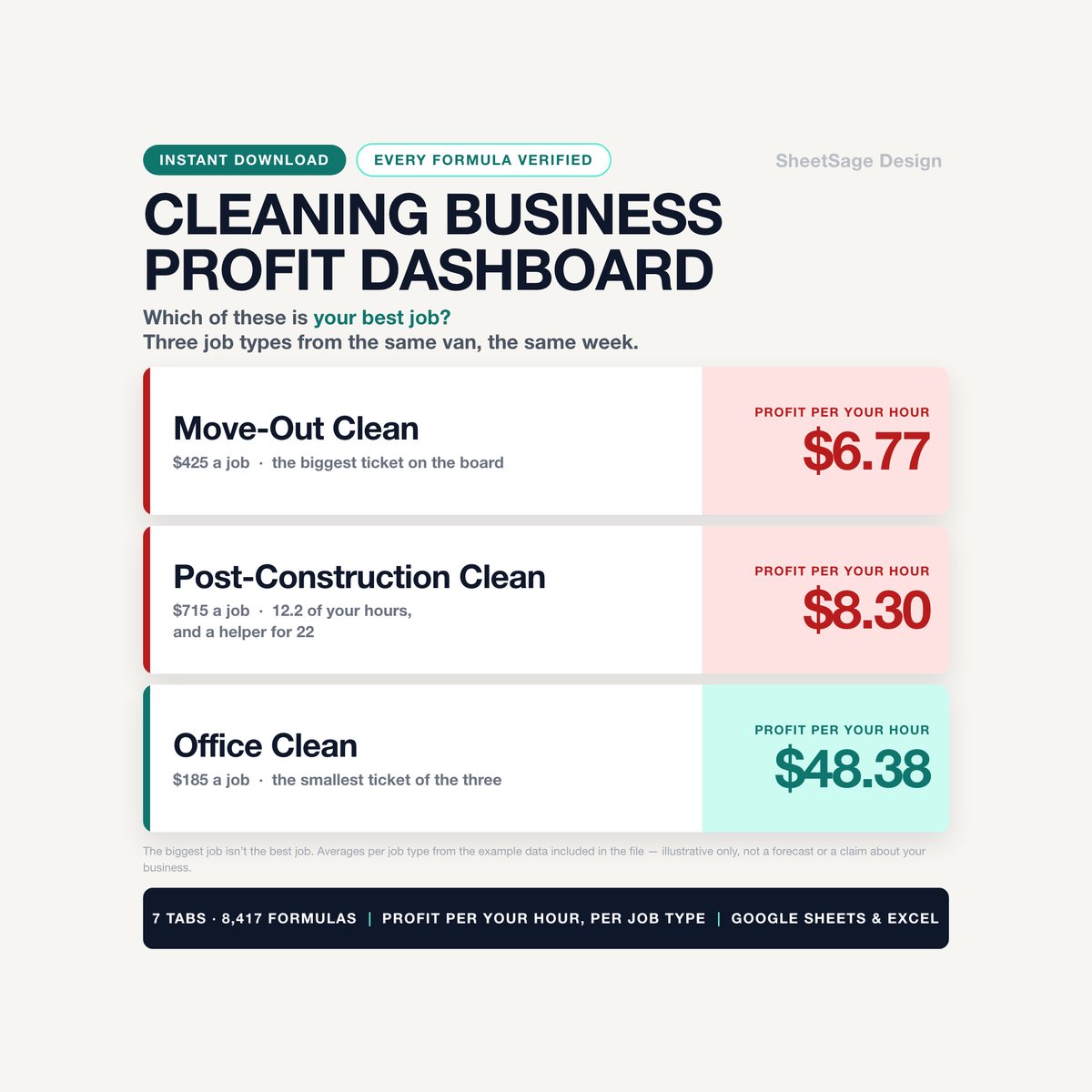
Your busiest month is not always your best month. This tells you which one you just had.…