
Home › Business & Professionals › Contractor Estimating & Job Profit System
Contractor Estimating & Job Profit System
You did not lose money on that job in the field. You lost it on the day you priced it.
$26.39 launch price (20% off $32.99) — already applied. Secure checkout by Payhip; your download link appears straight after payment and by email.
- FormatGoogle Sheets · Microsoft Excel
- DeliveryInstant digital download
- What it isOne .xlsx file · 8 tabs · 11,237 formulas
- CategoryBusiness & Professionals
You did not lose money on that job in the field. You lost it on the day you priced it.
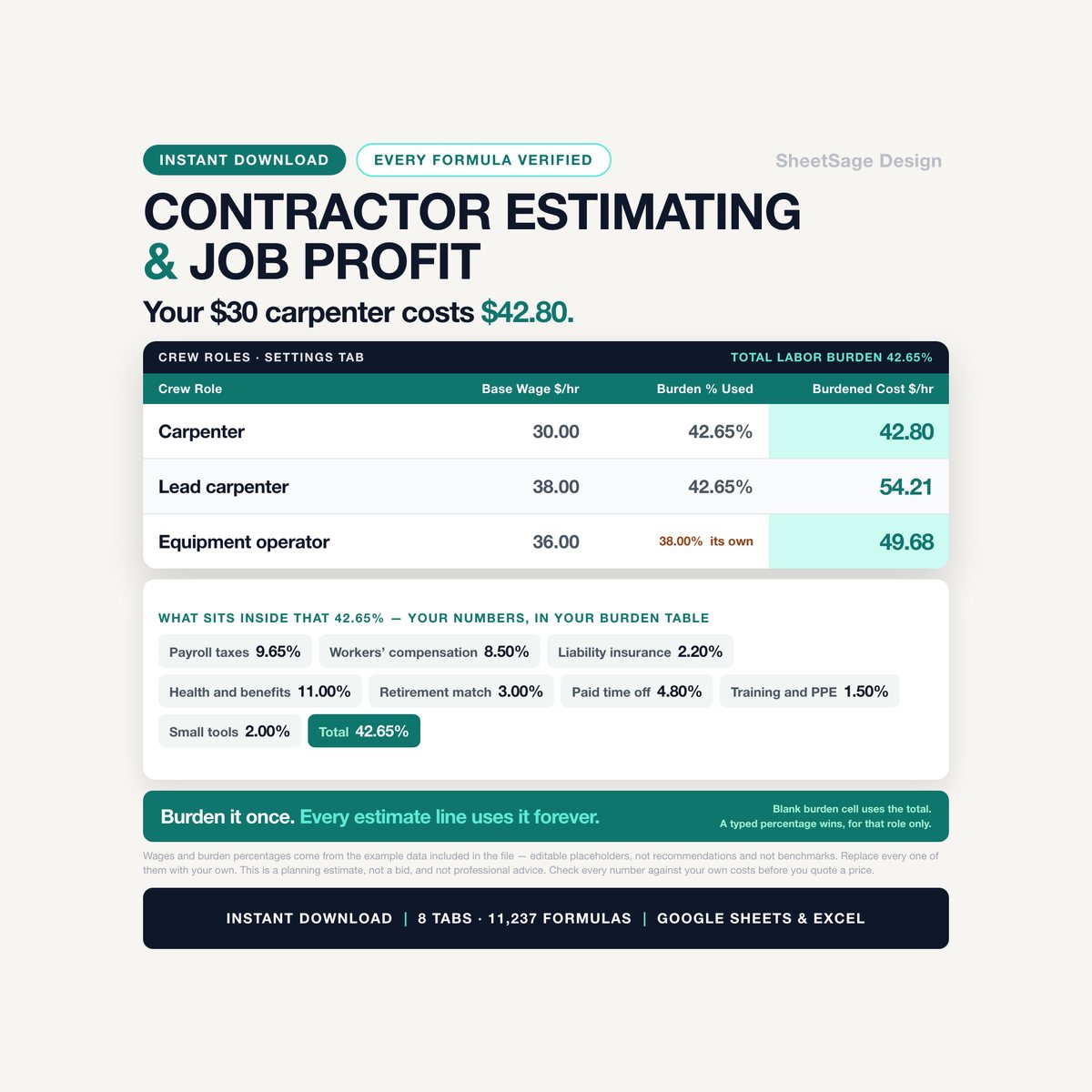
A carpenter at $30 an hour does not cost you $30 an hour. Cost plus 25 percent is not a 25 percent margin, it is 20. And the job that "feels fine" is usually the one you have already done $4,497 of work on and not yet invoiced.
This workbook does all three of those out loud, on every line of every job.
IT BURDENS YOUR LABOR, INSTEAD OF PRETENDING
- Put your own payroll taxes, workers' compensation, liability insurance, benefits, paid time off, training and small tools into the burden table as percentages of the wage.
- Every crew role is then loaded with that total automatically - and a role whose insurance class is different can carry its own percentage instead. Leave that cell blank and it uses the total; type a number and that number wins, for that role only.
- In the example data, 1,847 booked labor hours came to an average burdened cost of $39.97 an hour. Not one of the wages behind that number is above $45.
IT PRICES TO A MARGIN AND SHOWS YOU THE MARKUP
- Set the gross margin you want. Every estimate line is priced to it, and the same row tells you the markup that actually produces it, side by side, so the two can never be confused again.
- Want to price a line the other way round? Type a markup on the row and it wins. The margin column then shows you what that markup really leaves you.
- Material carries your waste allowance and your material tax. Labor carries burden. Hours carry overhead - your annual overhead divided by the field hours you expect to bill, applied per hour, on every line. A line with no labor carries none, which is exactly why a heavily subcontracted job recovers so little.
IT COUNTS THE MONEY YOU HAVE EARNED AND NOT INVOICED
- Percent complete times revised contract is what you have earned. Subtract what you have billed and you get over-billing, or the more expensive one: under-billing.
- Percent complete is cost-to-cost by default - actual cost divided by estimated cost at completion, capped at 100 percent - and there is an override column for when you would rather judge it yourself.
- There is a Cost to Complete column too. Leave it blank and the workbook assumes the estimate was right. Type what you actually think it will take and the projected final cost, the projected profit and the cost-overrun warning all move with it. That column is where a job tells you it is in trouble, weeks before the invoice does.
IT KEEPS RETAINAGE SEPARATE FROM WHAT IS LATE
- Every draw records what was billed, what was withheld as retainage, what is net due, what was paid and when.
- Retainage held is not overdue money and is never counted as such. It sits in its own column, and its own dashboard tile, until you release it.
- Everything else ages: due date, days past due, and a plain-English line that goes Due in 6 days then Past due by 15 days then CHASE - 16 days past due, using your own chase setting.
CHANGE ORDERS THAT ACTUALLY MOVE THE CONTRACT
- Log the cost. The workbook prices it to your target margin, or to a markup you type, or to a price you type - in that order of authority.
- Approve it and the contract amount, the estimated cost at completion and the margin on the job all move on their own. Nothing to retype.
- A change order still pending past your own limit says so: PENDING 21 days - chase the approval. That is work you may already be doing for free.
WHAT'S INSIDE (one file, 8 tabs)
- DASHBOARD - backlog, contract value under way, earned to date, profit and blended margin at completion, over-billing and under-billing side by side, retainage your clients are holding, money past your chase mark, projected profit if nothing else moves, the average burdened cost of an hour you booked, thirteen months of billing against cost with a chart, which work types actually pay, where your cost is going by category, and a ranked list of the jobs to look at today.
- JOBS - 60 rows and 22 calculated columns. Contract, approved change orders, revised contract, estimated cost, actual cost, percent complete, earned revenue, billed to date, over or under billing, retainage held, collected, outstanding, profit and margin at completion, projected final cost and projected profit, days to target finish, and one plain-English alert.
- ESTIMATE - 300 line items. Quantity and unit, material per unit with waste and tax, labor hours per unit at a burdened crew rate, equipment, subcontractor and other direct cost, then overhead, contingency, total cost, sell price, margin and markup.
- COST LOG - 600 rows. Labor rows take hours and a role and burden them for you; everything else takes an amount. This is where percent complete comes from.
- CHANGE ORDERS - 100 rows, with days pending and a check column.
- BILLING - 300 draws and invoices, with retainage, aging and what to do next.
- SETTINGS - your margin, your burden table, your crew wages, your overhead recovery, 20 cost codes, 10 work types and every warning line in the file.
- START - setup in plain English, a color legend, and an honest account of what this file is and is not.
IT TELLS YOU WHEN SOMETHING IS WRONG
Every job carries one sentence, in priority order: COST OVERRUN - projected $9,868 over estimate · LOW MARGIN - 14.5% at completion · CHASE PAYMENT - $27,670 past your chase mark · UNDERBILLED - $4,497 of work not invoiced · PAST TARGET FINISH by 6 days · Finish target in 9 days · OK. Every one of those is quoted from the example data that ships in the file.
The estimate, the cost log, the change orders and the billing tab each carry a Check column too, and it catches the boring mistakes that ruin a number: a job code that is not on your JOBS tab, a cost code that is not in your settings, labor hours with no crew role, a date in the future, a change order approved with no approval date.
EVERY FORMULA WAS CHECKED
11,237 formulas. Every one of them was recalculated and then compared, cell by cell, against a completely separate calculation written from scratch - 12,562 comparisons, no differences - plus 92 boundary tests that push each warning one cent and one day to either side of the line it fires on. Nothing here uses a function your version of Excel or Google Sheets does not have.
WORKS WITH
Google Sheets (free) and Microsoft Excel. Every formula was chosen so it behaves identically in both - nothing that breaks on the way across. Instant digital download, one .xlsx file, import instructions inside. No subscription, no login, no add-on to install. Yours forever.
PLEASE NOTE
- Digital download - no physical item will be shipped.
- For your own use; please do not resell or share the file.
- This is a planning estimate, not a bid, and not professional advice. Check every number against your own costs before you quote a price.
- This workbook is not accounting, tax, payroll, insurance, licensing or legal advice, it is not a bookkeeping system of record, and it does not check anything against any regulation, contract form or permitting requirement. It does not print a proposal, send an invoice, or connect to your accounting software. It works out numbers.
- Every rate, wage, burden percentage, waste allowance, tax rate, contingency, overhead figure and warning line in it is an editable placeholder, put there so you can see the math work. None of them is a recommendation and not a benchmark for your business, your trade or your area. Replace all of them with your own, and take anything that touches payroll, tax or insurance to your own accountant or agent.
- No profit, saving, win rate or business outcome is promised, and no guarantee of any result is made or implied.
- The file ships with example data in every tab, so nothing opens empty and you can see the math working before you clear it. Every number, job code and alert quoted above comes from that example data. It illustrates how the workbook calculates. Every row that ships pre-typed is labeled "(example)" in its Notes column on all five tabs you type into, so you can find and clear all of it in a minute.
- Microsoft Excel and Google Sheets are trademarks of their respective owners. This is an independent product from SheetSage Design, with no affiliation to, sponsorship by, or connection with Microsoft or Google.
- Designed by us and built with the assistance of AI tools, then manually reviewed and verified - every formula was checked against an independent calculation before release.
Questions before you buy? Message us - we answer fast, and we are happy to help you set it up.
More in Business & Professionals
Freelancer Variable-Income Budget & Tax Dashboard
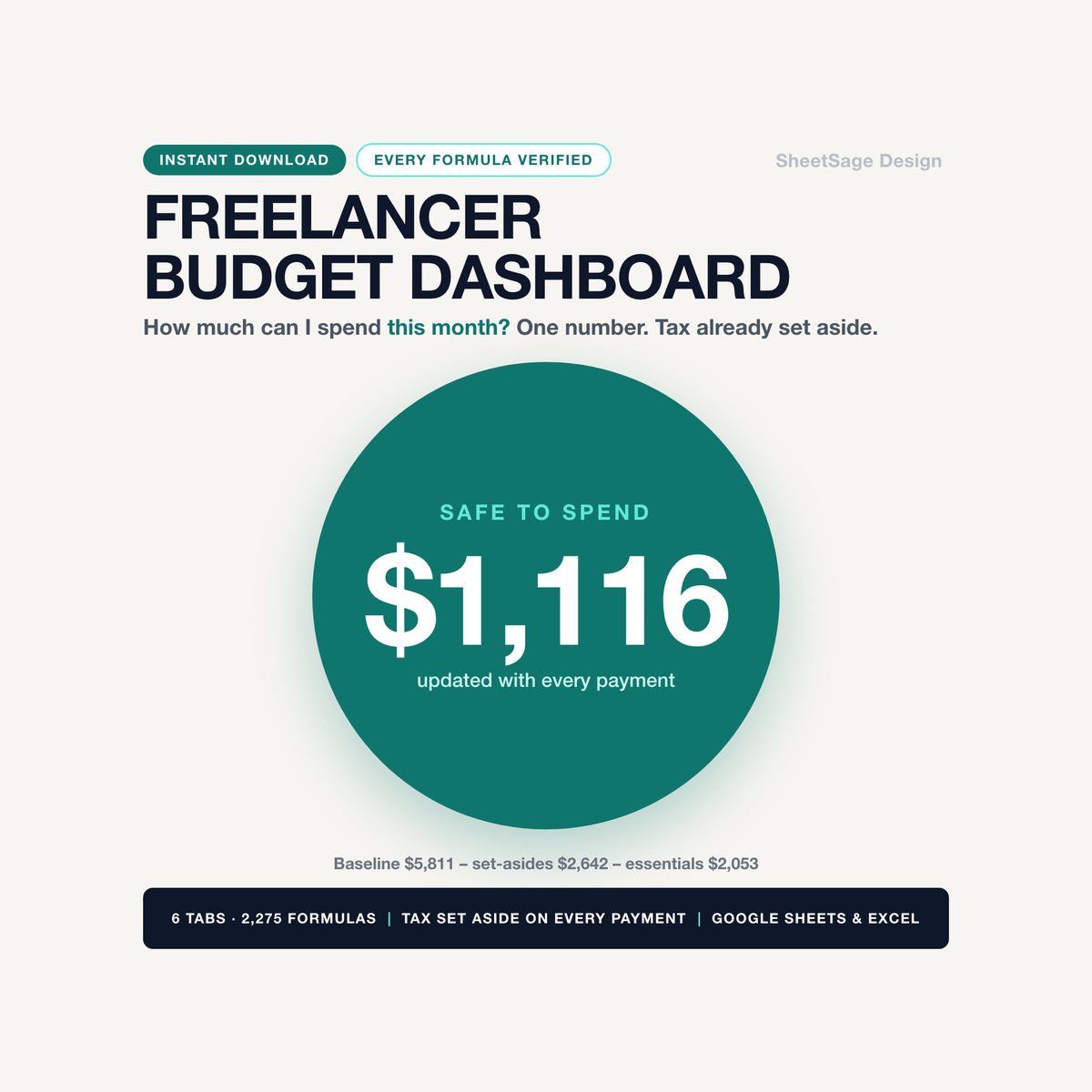
Some months you invoice $6,000. Some months, $900. This tells you what you can actually spend.…

Photographer Client Onboarding Kit
The inquiry that sat for three days because you didn't know how to answer "how much?" without sounding apologetic. The…
Cleaning Business Profit Dashboard
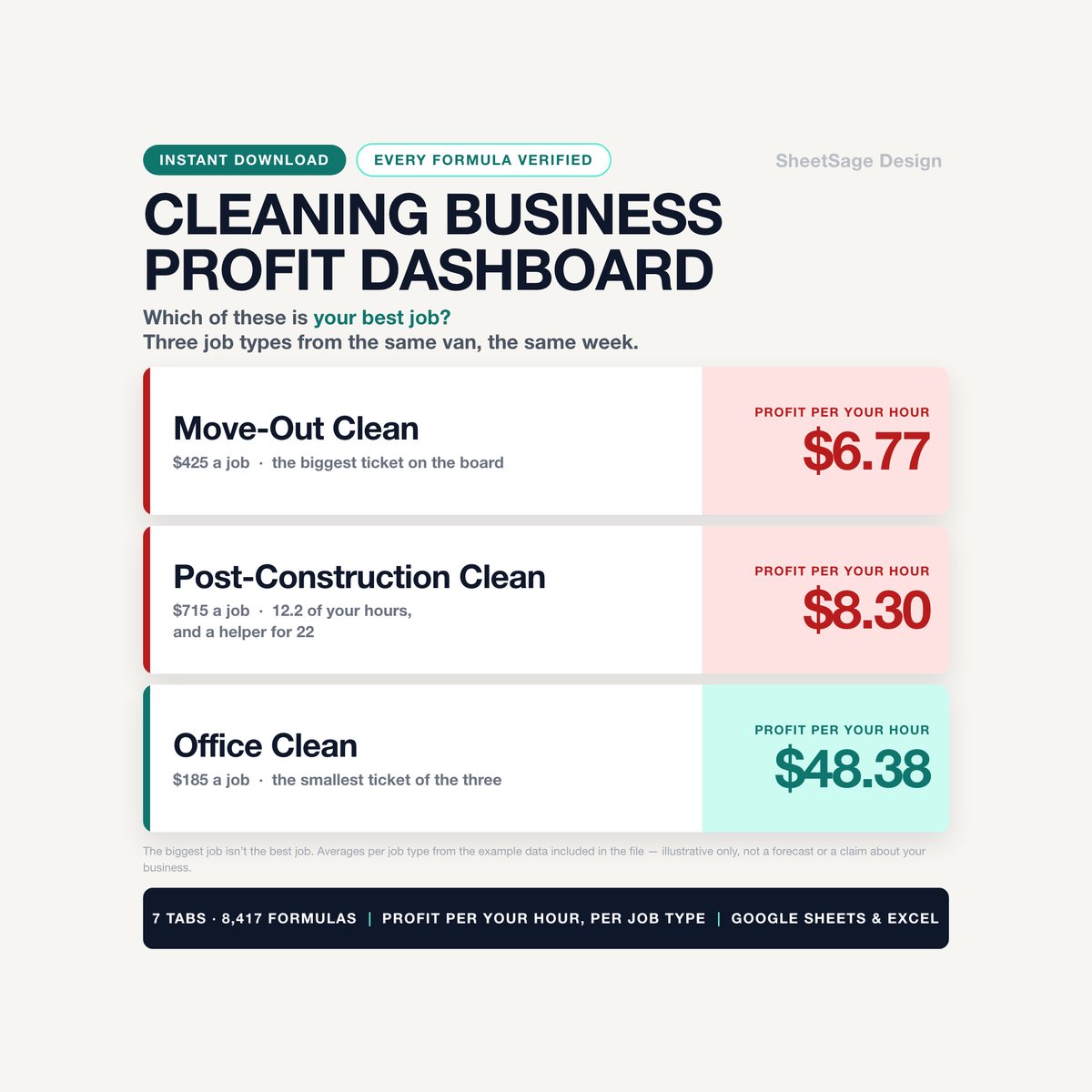
Your busiest month is not always your best month. This tells you which one you just had.…